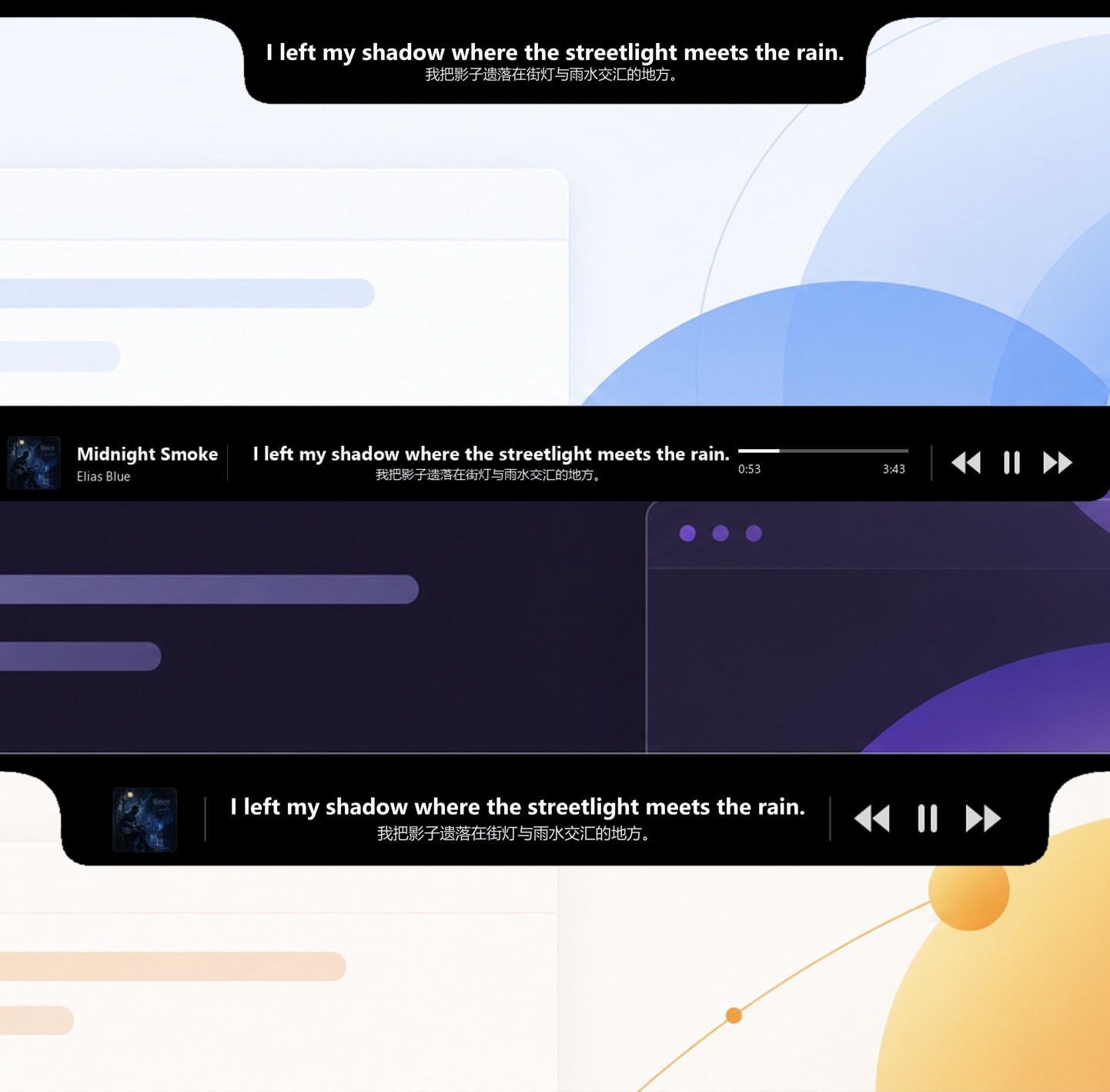
Playback
Music plays. Lyrics stay.
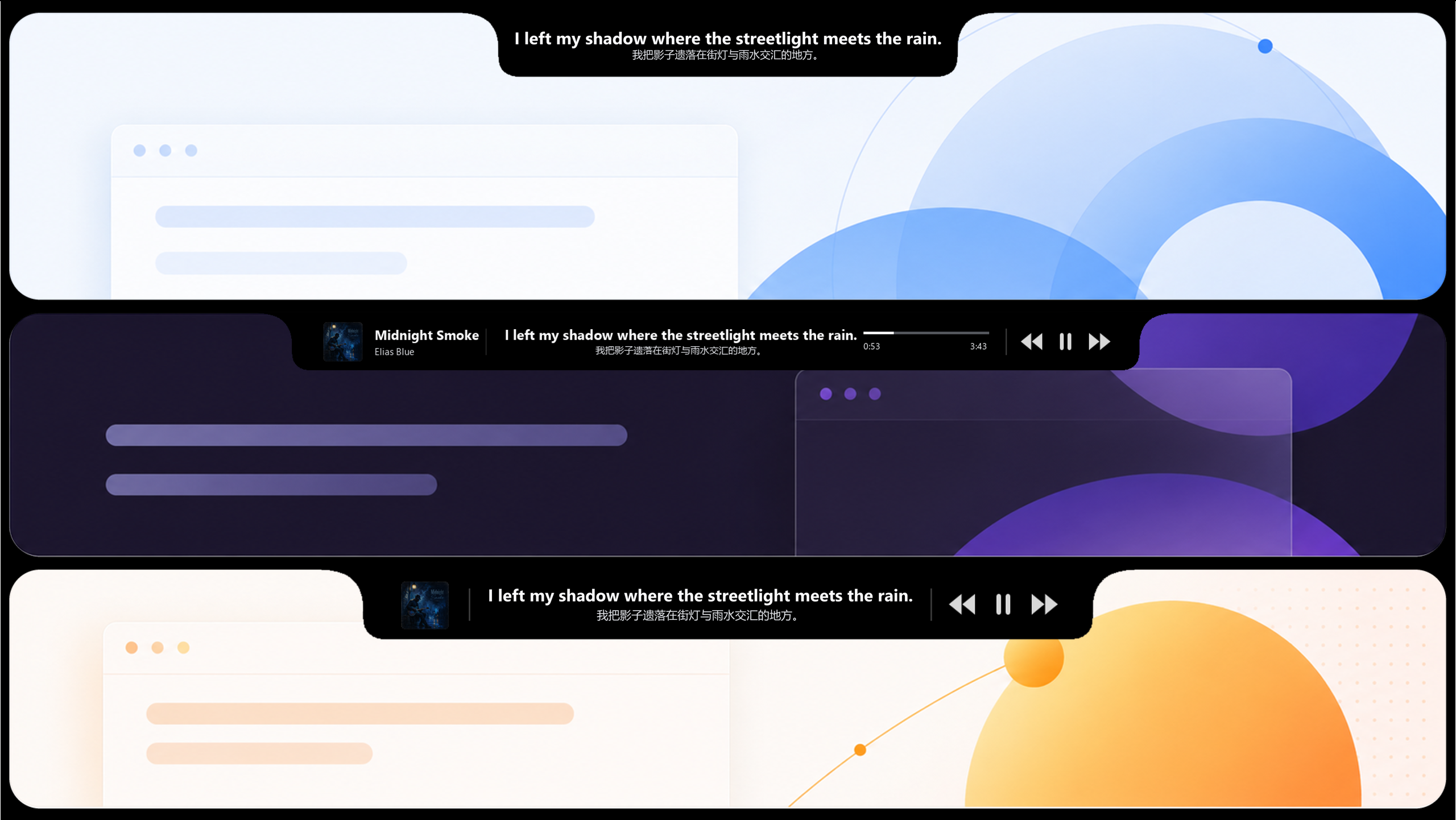
As the music begins, lyrics naturally surface from the top of the screen.
When music starts, lyrics naturally surface from the top of your screen. When playback ends, they fully retreat—always at the edge of your vision, never in the way of your work.
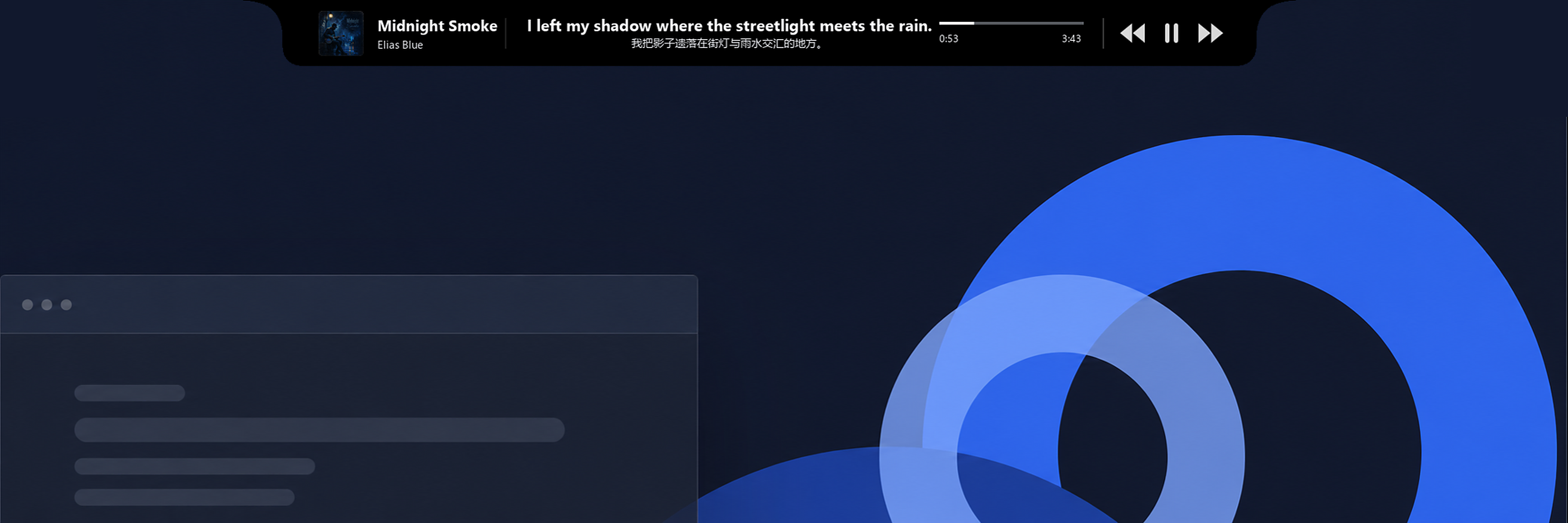
No taskbar space. No extra window. It surfaces when music starts, retreats when playback pauses, and gently fades as your pointer approaches—giving the screen back to what matters.
Playback
As the music begins, lyrics naturally surface from the top of the screen.
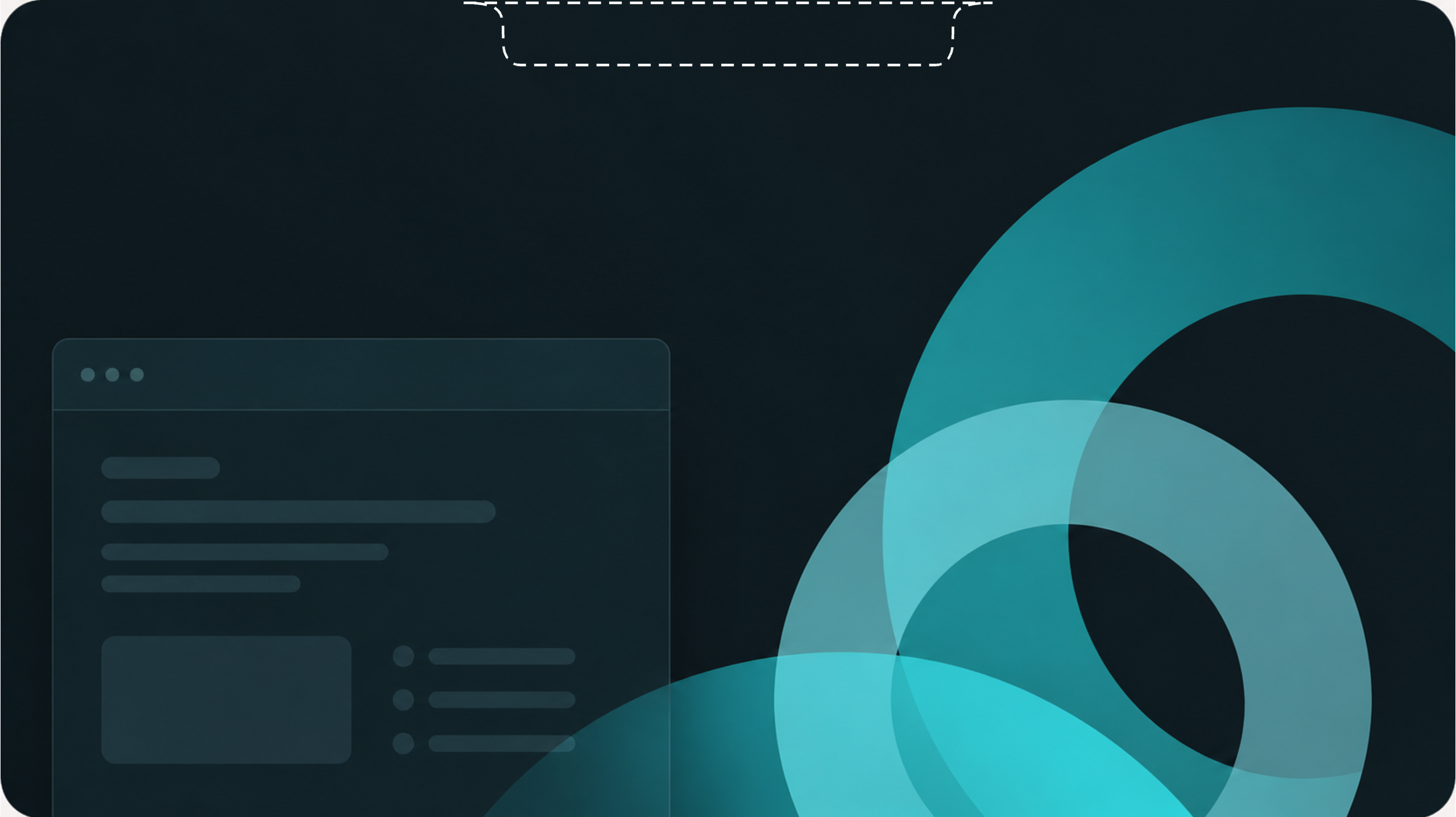
Idle
When nothing is playing, the lyrics retreat beyond the screen and your desktop returns to quiet.
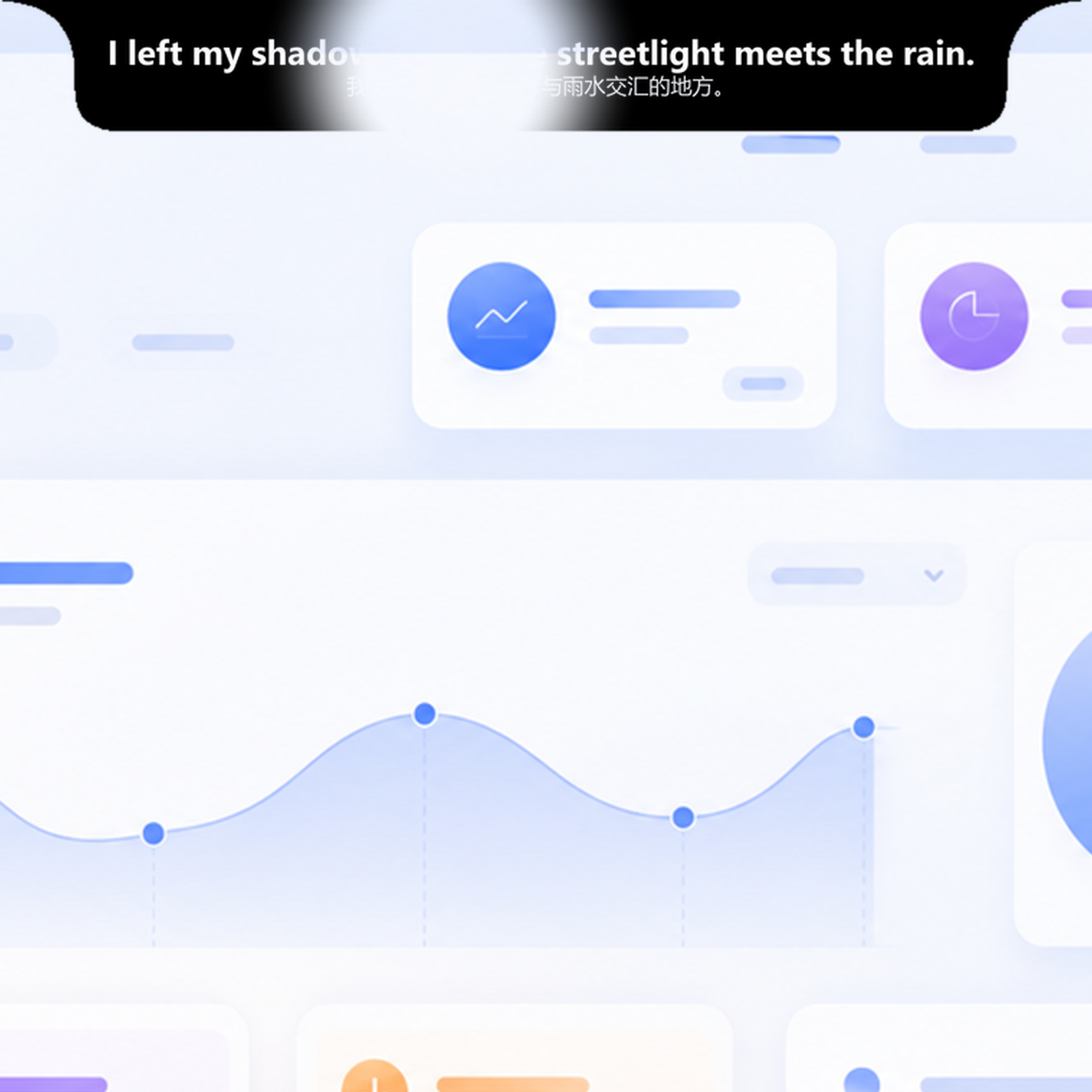
Awareness
Wherever your pointer passes, the lyrics gently fade so the content beneath stays readable and clickable.
Try it yourself
Switch between states and layouts to experience how lyrics surface, retreat, and move out of your way. Everything here runs as a browser demo and never connects to your player.
Lyrics are in view
New · Lyric Dock
Lyrics rest quietly by the taskbar,without covering windows or disturbing your desktop.Every line stays right within view.

Compose your own
Horizontal when you want room to breathe. Auto-collapsed when space matters. Lyric Hover naturally adapts to the layout you choose.
Lyric Hover automatically recognizes the player in use and follows its playback state. You can also lock in a favorite player from Settings for a consistent experience every time.
*Due to interface limitations, NetEase Cloud Music does not currently support progress-bar sync or real-time lyric resync after seeking.
Where lyrics come from
Online lyrics are fetched on demand from third-party sources.
Multiple third-party sources match automatically, so fewer songs go without lyrics.
Works with multiple Windows SMTC-compatible players.
No ads. Nothing between you and the lyrics.
Lyric availability varies by song and third-party source.
Frequently asked
Lyric Hover V2.0
View v1.0 and the source code on GitHub. Download the app from Microsoft Store.